> ## Documentation Index
> Fetch the complete documentation index at: https://docs.elementum.io/llms.txt
> Use this file to discover all available pages before exploring further.
# Your Guide to Mastering Elementum
> Get started with intelligent workflows used by the world's largest companies.
 ## What is Elementum?
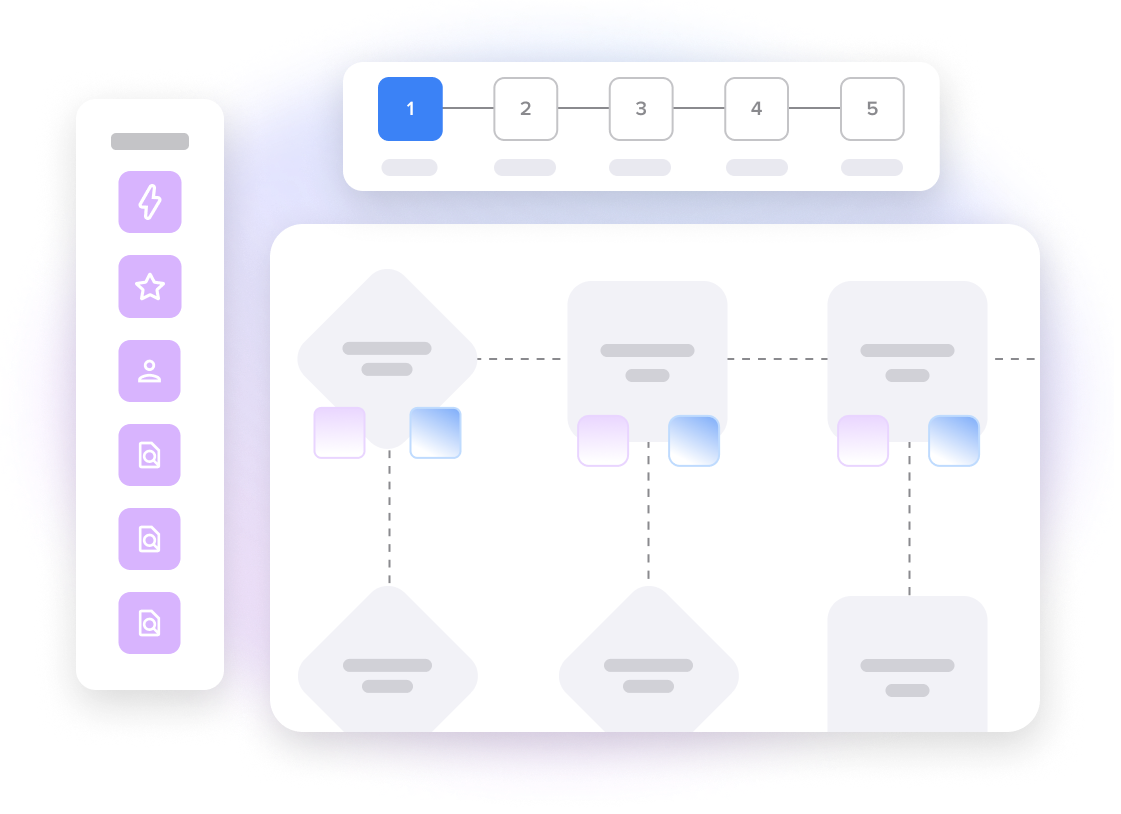
Elementum is an intelligent process automation platform that orchestrates people, rules, LLMs, and AI agents - without moving your data from your data warehouse. Use Elementum to build custom apps that automate workflows, analyze data, and deliver scalable business outcomes.
**Elementum is a no-code platform** - Elementum is designed for business users, not engineers.
## Key Features
Create custom business workflows tailored to your specific needs
Automate repetitive tasks and build intelligent workflows
Connect your data warehouse and use that data in apps and workflows
Build workflows with a rich set of tools and components
Import and process data from various file formats automatically
Leverage AI to handle decisions and tasks typically done by humans
## What You Can Build
Track deals from lead to close with automated approvals and real-time insights
Manage customer issues efficiently with smart routing and SLA tracking
Handle supplier relationships, contracts, and performance tracking
Streamline expense approvals with automated workflows and document processing
## Get Started
An overview of what it takes to build your first workflow in Elementum
Learn the fundamental concepts behind Elementum's platform
Integrate Elementum with your existing systems
Follow proven patterns for building effective workflows
## Ready to Try Elementum?
Talk to our team about your specific needs
Start building your first workflow today
## What is Elementum?
Elementum is an intelligent process automation platform that orchestrates people, rules, LLMs, and AI agents - without moving your data from your data warehouse. Use Elementum to build custom apps that automate workflows, analyze data, and deliver scalable business outcomes.
**Elementum is a no-code platform** - Elementum is designed for business users, not engineers.
## Key Features
Create custom business workflows tailored to your specific needs
Automate repetitive tasks and build intelligent workflows
Connect your data warehouse and use that data in apps and workflows
Build workflows with a rich set of tools and components
Import and process data from various file formats automatically
Leverage AI to handle decisions and tasks typically done by humans
## What You Can Build
Track deals from lead to close with automated approvals and real-time insights
Manage customer issues efficiently with smart routing and SLA tracking
Handle supplier relationships, contracts, and performance tracking
Streamline expense approvals with automated workflows and document processing
## Get Started
An overview of what it takes to build your first workflow in Elementum
Learn the fundamental concepts behind Elementum's platform
Integrate Elementum with your existing systems
Follow proven patterns for building effective workflows
## Ready to Try Elementum?
Talk to our team about your specific needs
Start building your first workflow today